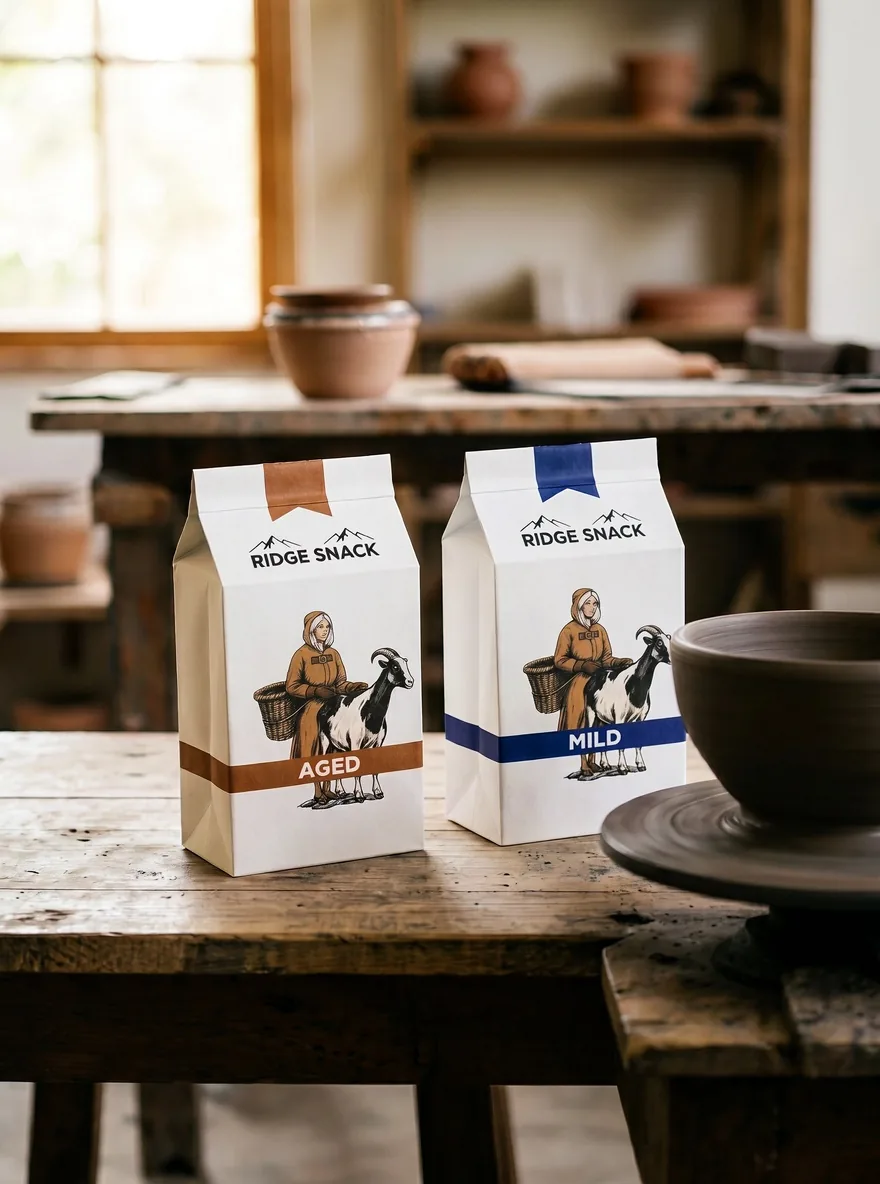
Image generated by h3image.online with MiniMax-H3-Image from this prompt. prompt by @XunDavid80270. We never treat the author's original image as ours, or our generation as theirs.
Reference images we used
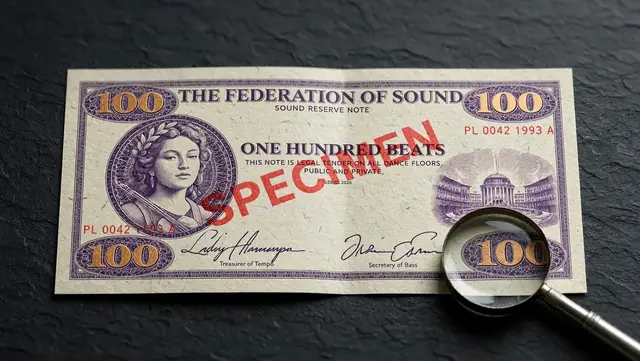
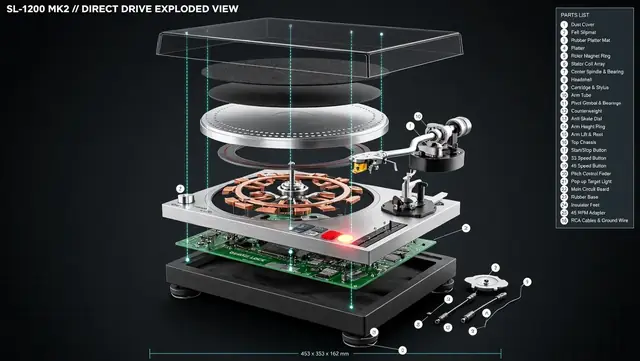
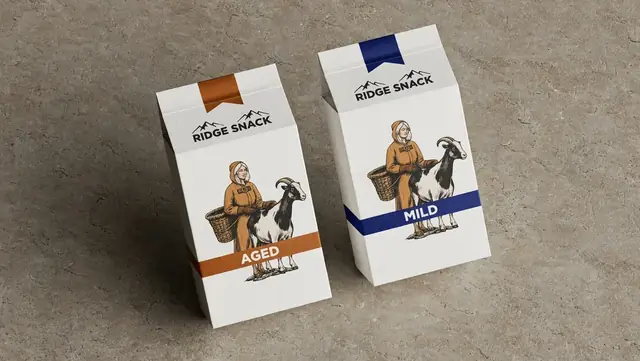
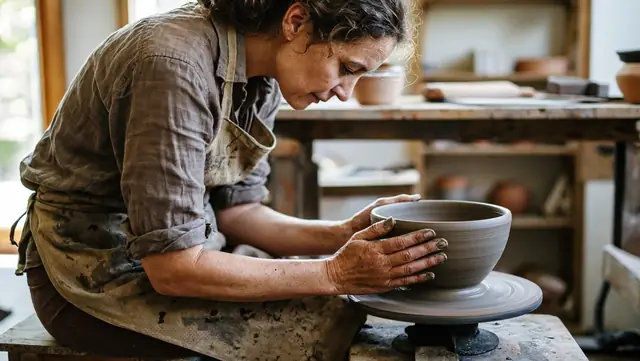
These are our own earlier MiniMax-H3-Image outputs, used as inputs for this edit. They are not the author's original reference images.
Prompt
Image 1 is the product. Keep its shape, color, material, proportions and details exactly the same. Image 2 is the scene reference: use its layout and props. Image 3 is the lighting and color reference. Place the product from image 1 on the table in image 2, slightly left of center, with soft morning window light and natural contact shadows, matching the mood of image 3. Vertical 3:4 photo, realistic commercial product photography. Leave the top 25% of the frame clean and empty for headline text. No text, no logos, no people.Parameters we used
- Model
- MiniMax-H3-Image
- Aspect ratio
- 3:4
- Resolution
- 880x1184
- Area
- 1K
- Task
- Image edit, 2 references
- Generated
- 2026-11-11 11:24:04 UTC
Source
Public post on X. prompt by @XunDavid80270 · 2026-11-11.
0 likes on X when captured on 2026-11-11.
Multi-reference product scene: image 1 product, image 2 scene, image 3 lighting; 3552x4736 per the author. Author says it was part of a Seedream/H3 e-commerce workflow.